 Nox-Lumen Mfg
Other user settings
Beyond Agent settings, My settings includes the pages below.
1. Open profile
Avatar → My settings shows the left menu:
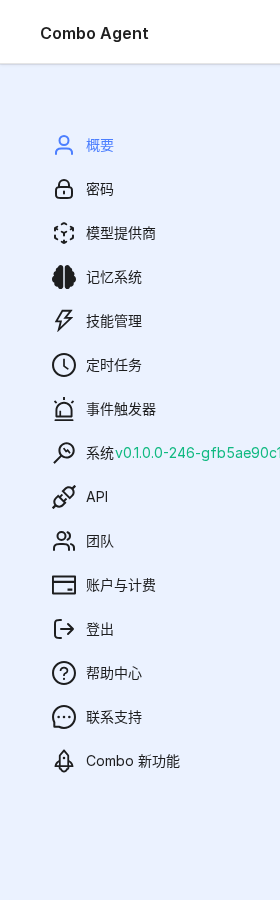
| Item | Icon | Function |
|---|---|---|
| Profile | Person | Nickname, avatar, language, timezone |
| Password | Lock | Change password |
| Model | Brain | LLM / embedding / rerank / TTS / ASR credentials |
| Agent | Brain | → Agent settings |
| Skills | Bolt | Install / enable / delete / share skills |
| CronJobs | Clock | Scheduled Agent runs |
| Events | Bell | Webhook / mail / Feishu-triggered runs |
| System | Monitor | Version, health |
| API | Key | HTTP API keys |
| Team | People | Tenant members |
| Account | Card | Hikari Dashboard (billing) |
| What's New | Rocket | Product changelog |
| Help Center | Help | This docs site |
| Contact | Chat | Email / phone / sales QR |
| Logout | Door | Sign out |
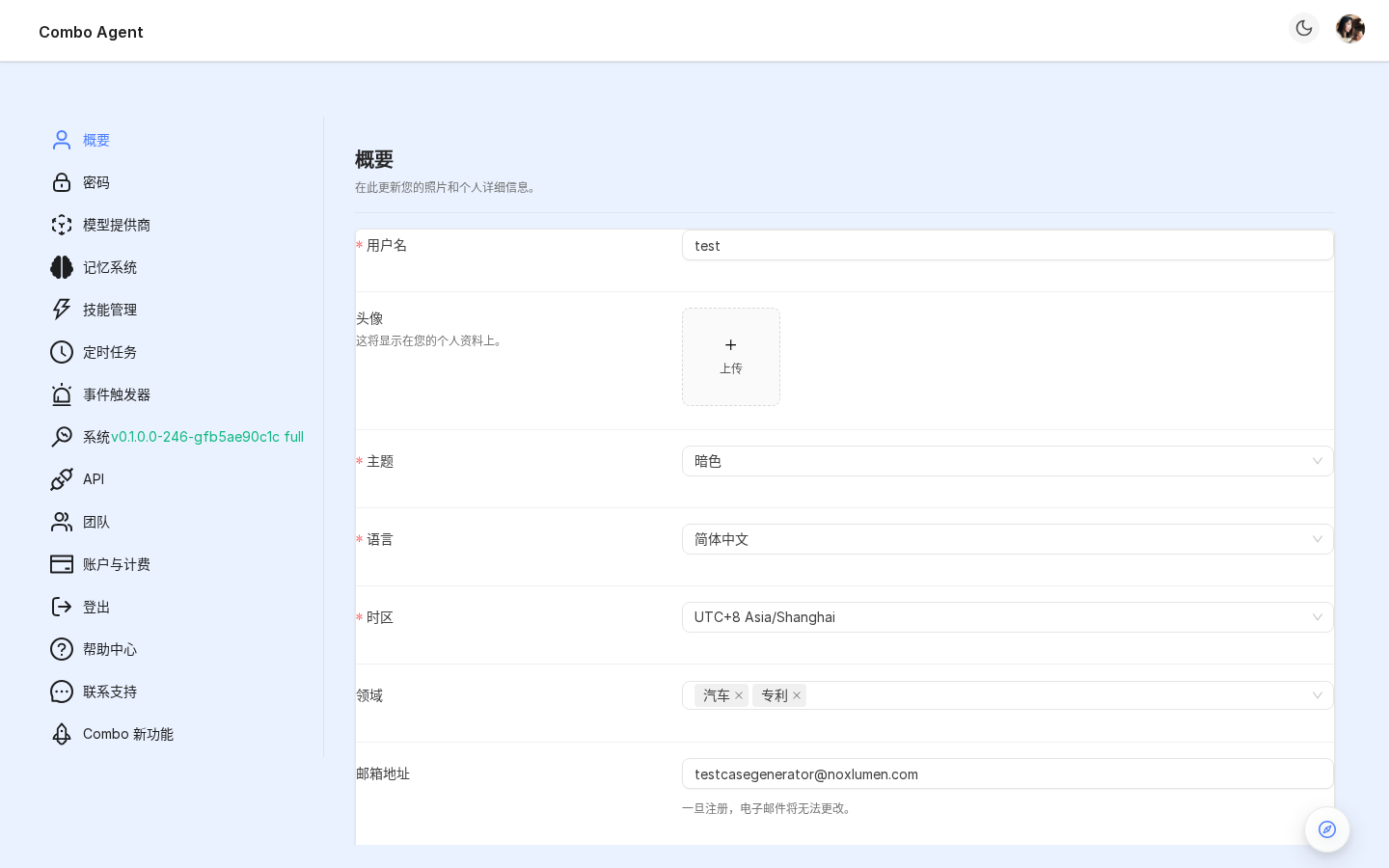
2. Profile
| Field | Meaning |
|---|---|
| Nickname | Display name |
| Avatar | JPG/PNG upload, auto crop |
| Read-only login | |
| Language | 9 locales |
| Timezone | IANA (~300); affects cron |
3. Password
Three fields — current / new / confirm. Strength: ≥8 chars + 1 uppercase + 1 digit.
SSO-only accounts cannot change password here.
4. Model
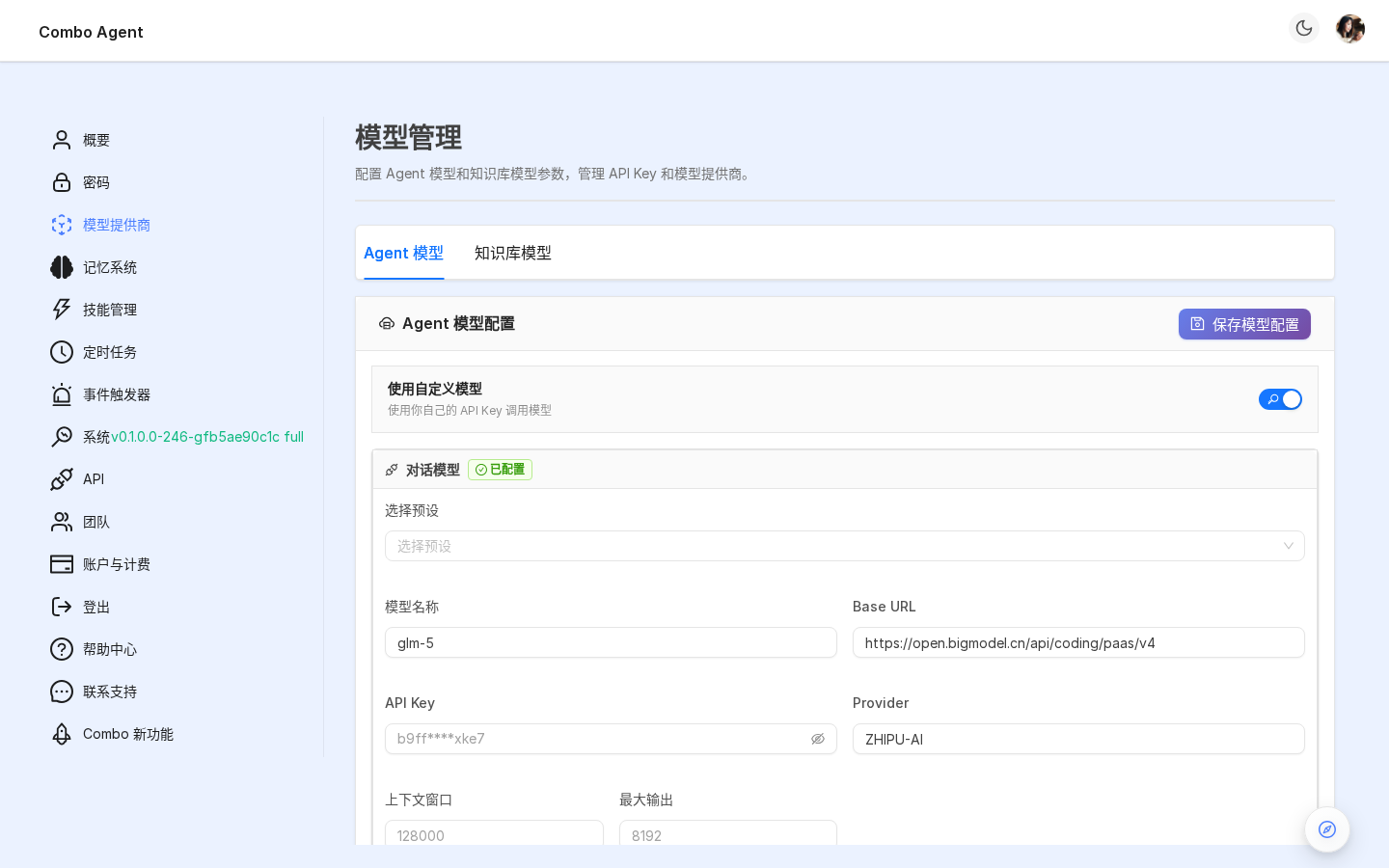
Configure providers — minimum one chat model for combo agent.
4.1 Supported vendors (LLMFactory)
Cloud: OpenAI, Azure OpenAI, Anthropic, Google (Gemini), Zhipu, Baidu Wenxin, Alibaba Tongyi, Tencent Hunyuan / Spark, Volcengine, DeepSeek, Moonshot, MiniMax, Yi, Baichuan, Groq, Together, OpenRouter, Hugging Face, AWS Bedrock, Fish Audio.
Self-hosted: Ollama, Xinference, LocalAI, LM Studio, GPUStack, ModelScope, VLLM, OpenAI-compatible gateways.
4.2 Add a model
Cards per modality (chat / vision / image edit / embedding / rerank / TTS / ASR):
- Pick a preset
- Base URL + API key where needed
- Test connection
- Save models at page top
Self-hosted: choose OpenAI-compatible preset and point Base URL at your gateway.
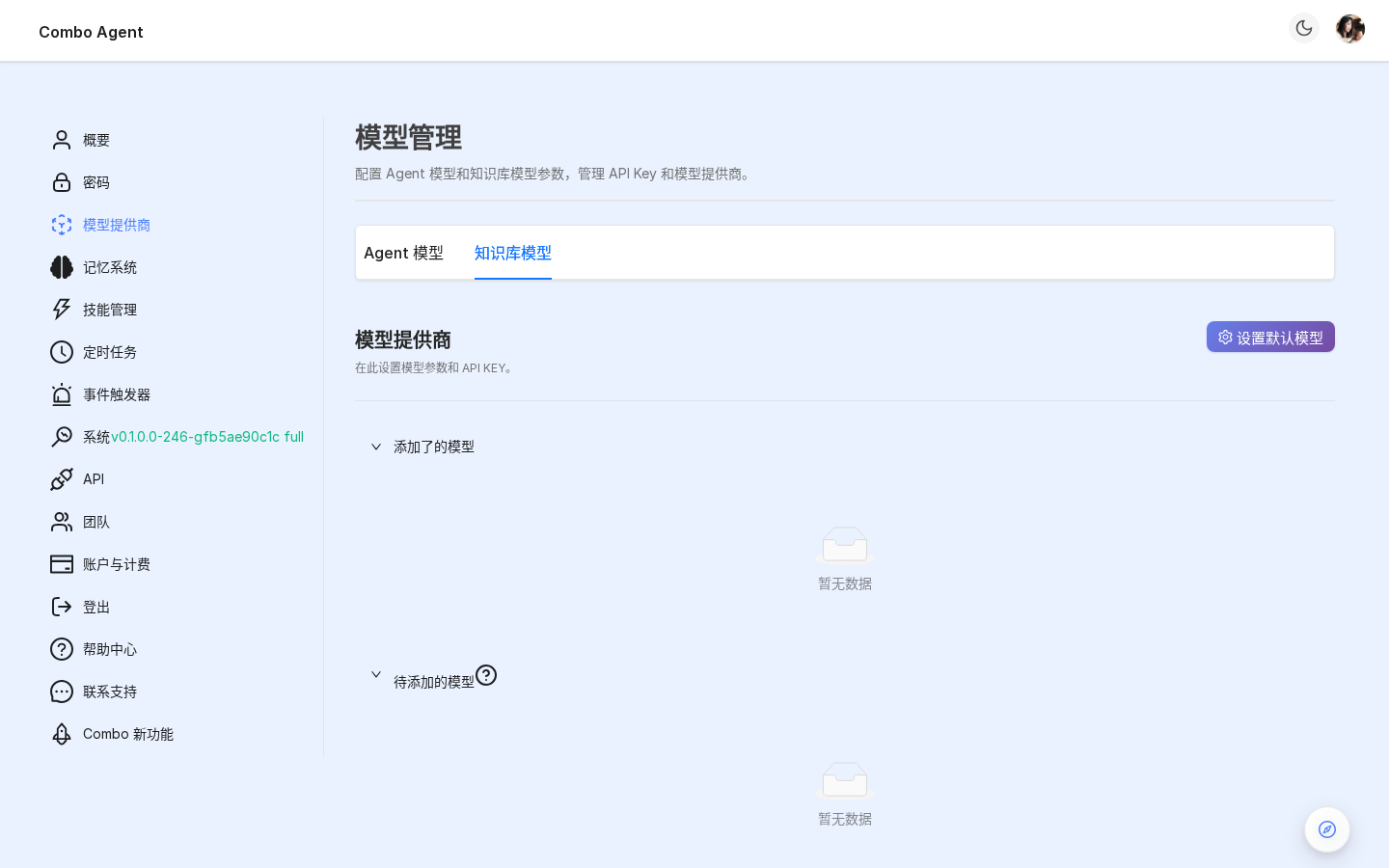
4.3 Knowledge-base models tab
Toggle Agent models / KB models:
- Agent models: conversation + multimodal tooling
- KB models: chunking / graph / retrieval rerank (often cheaper tiers)
4.4 Langfuse
Bottom Langfuse card — Project ID + keys + Host. Traces Agent calls for observability.
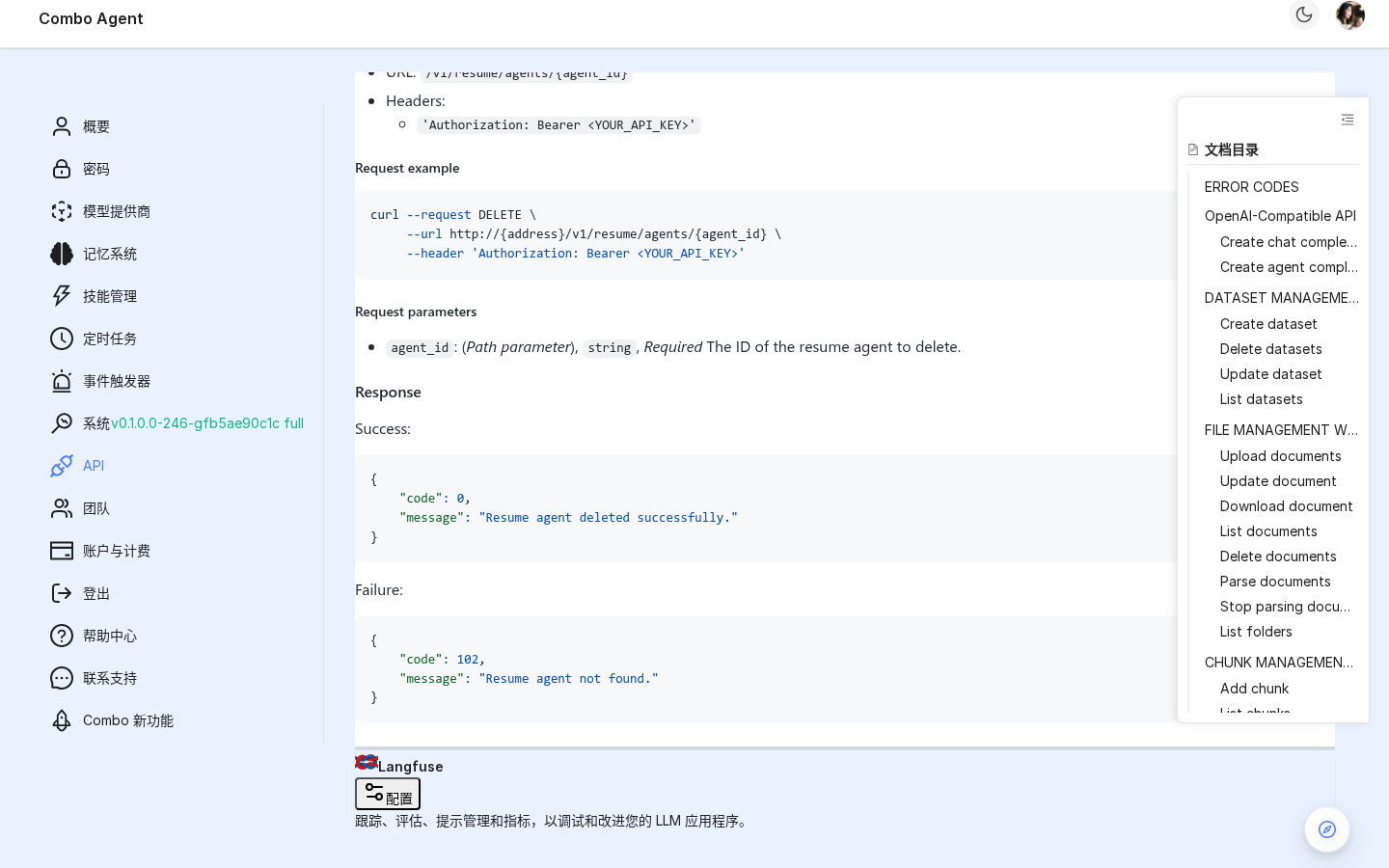
See Observability.
5. Skills
Skill = packaged capability (graft, docx, code-review, …). Catalog: Skills. This page manages them.
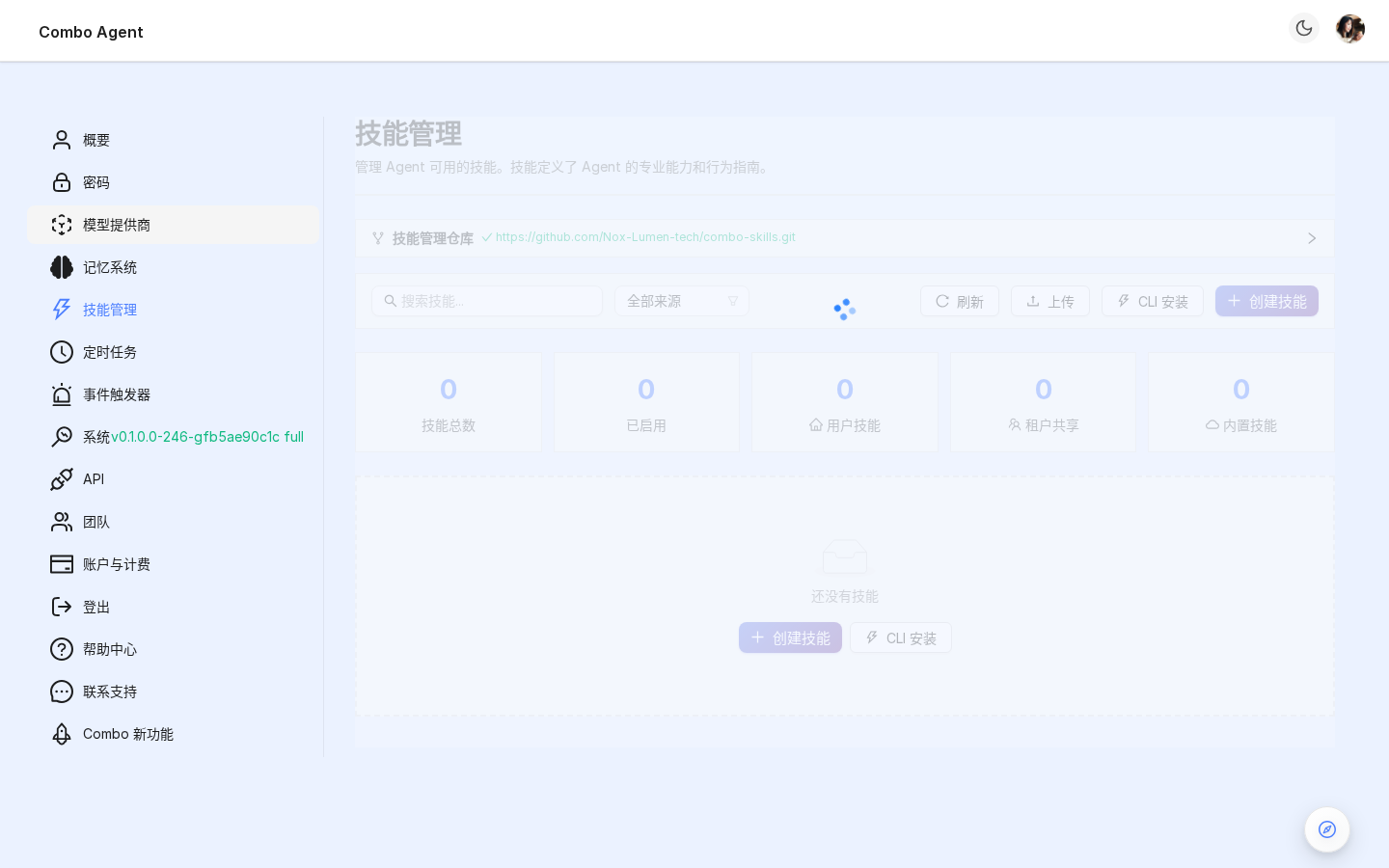
5.1 source filter
| Source | Meaning |
|---|---|
builtin | Shipped with platform; cannot delete |
tenant | Tenant-wide upload |
user | Personal install |
5.2 Actions
| Action | Notes |
|---|---|
| CLI install | Paste npx skills install … |
| Upload zip | Manual bundle |
| Git sync | Auto-pull repo |
| Enable / disable | Disabled skills hidden from @ |
| Edit | Metadata only |
| Delete | user / tenant only |
| Share | Promote user → tenant |
| Details | SKILL.md + tools |
6. CronJobs
Time-based Agent runs — At / Cron / Every.
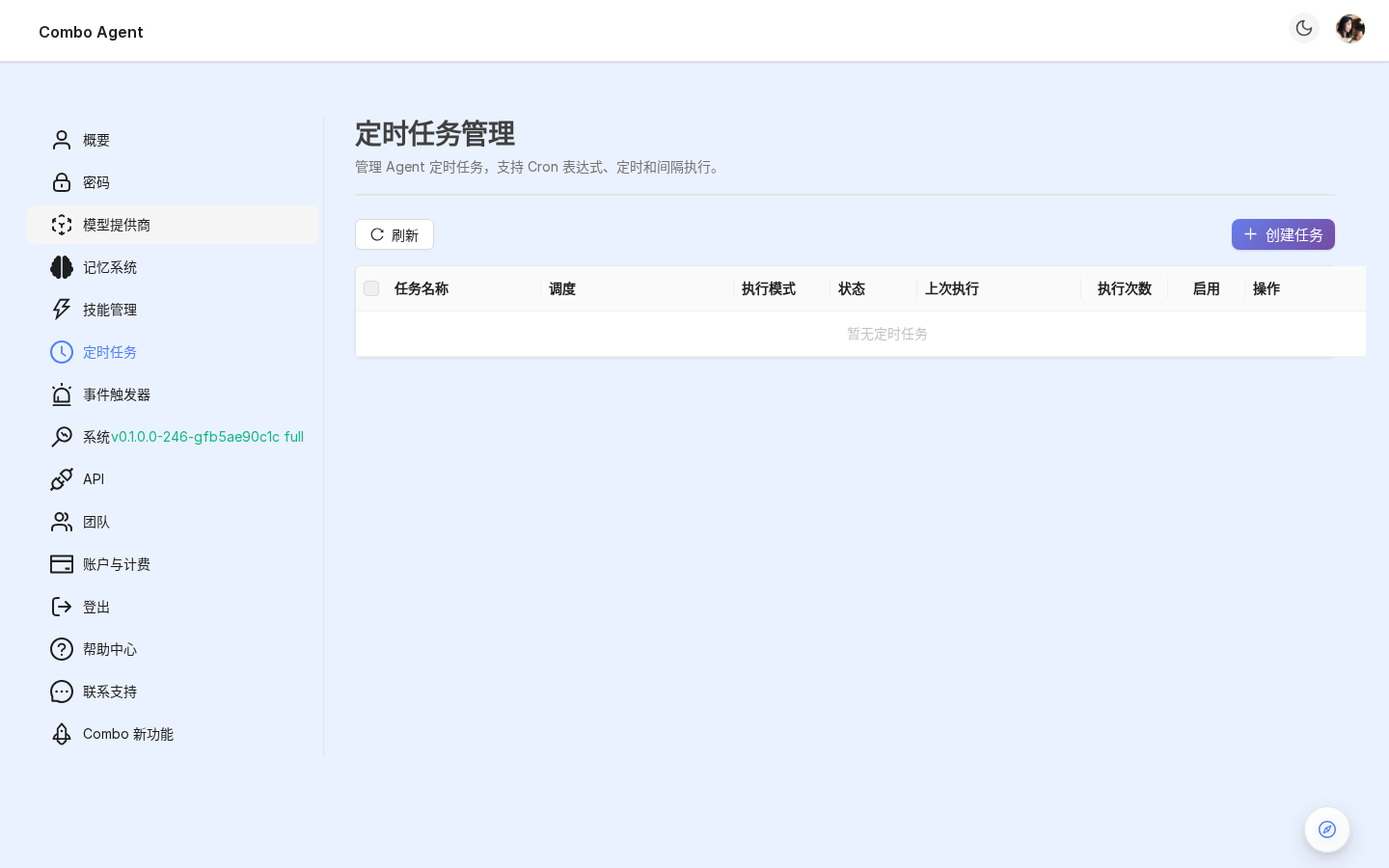
6.1 Schedule types
| Type | Meaning | Examples |
|---|---|---|
| At | One-shot | 2026-12-31 08:00:00 |
| Cron | Classic 5-field | 0 9 * * 1-5 weekdays 9:00 |
| Every | Interval | 30m, 2h, 1d |
6.2 Create task
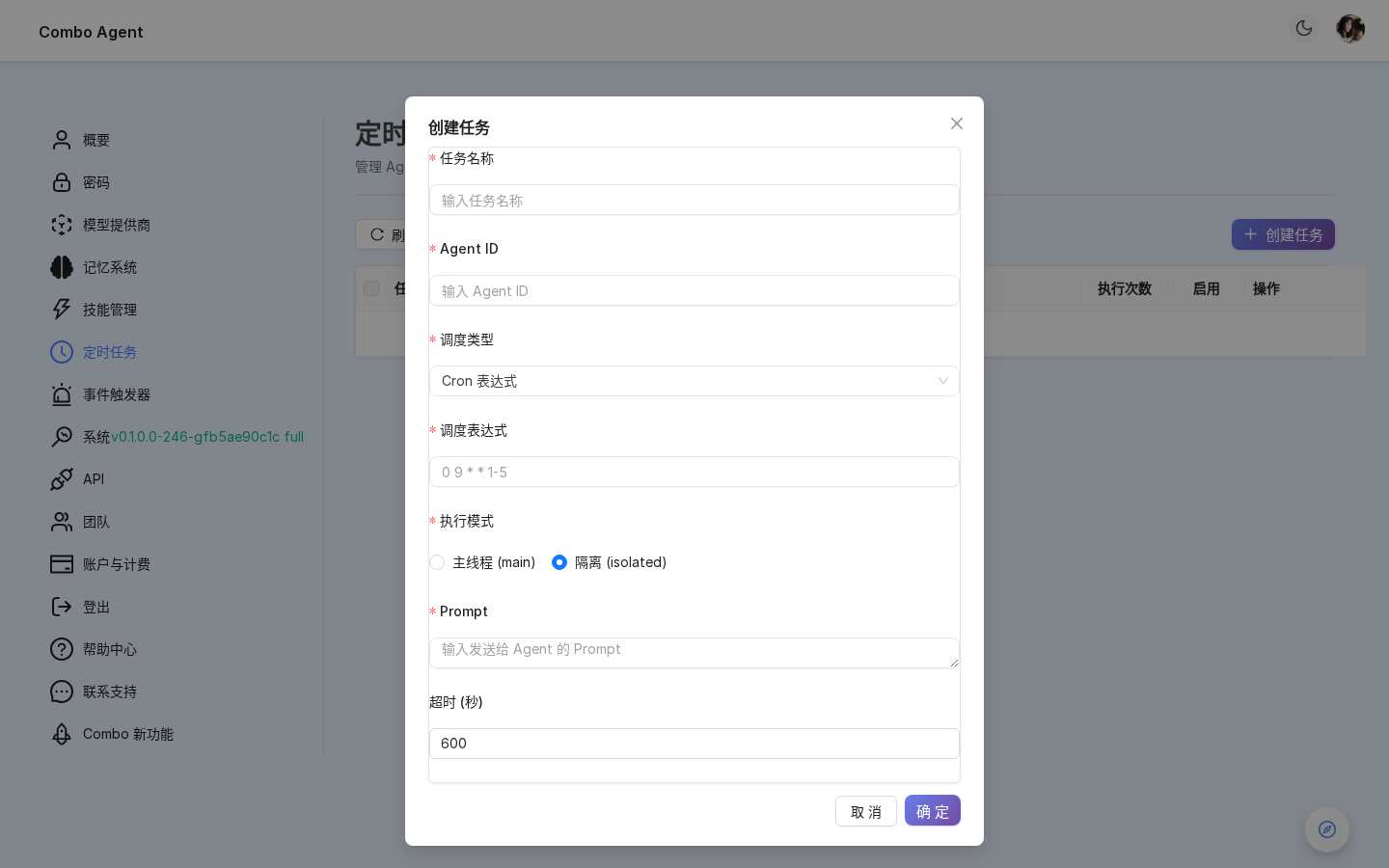
| Field | Meaning |
|---|---|
| Name | Label |
| Agent | Which Agent |
| Schedule | See table |
| Message template | Prompt per run ({{date}}, etc.) |
| Max retries | 0 = none |
| Timeout | Hard seconds cap |
| Enabled | Master switch |
6.3 History
Columns: start/end, status (success / error / timeout / skipped / running), duration, transcript link.
Run now bypasses schedule.
7. Events
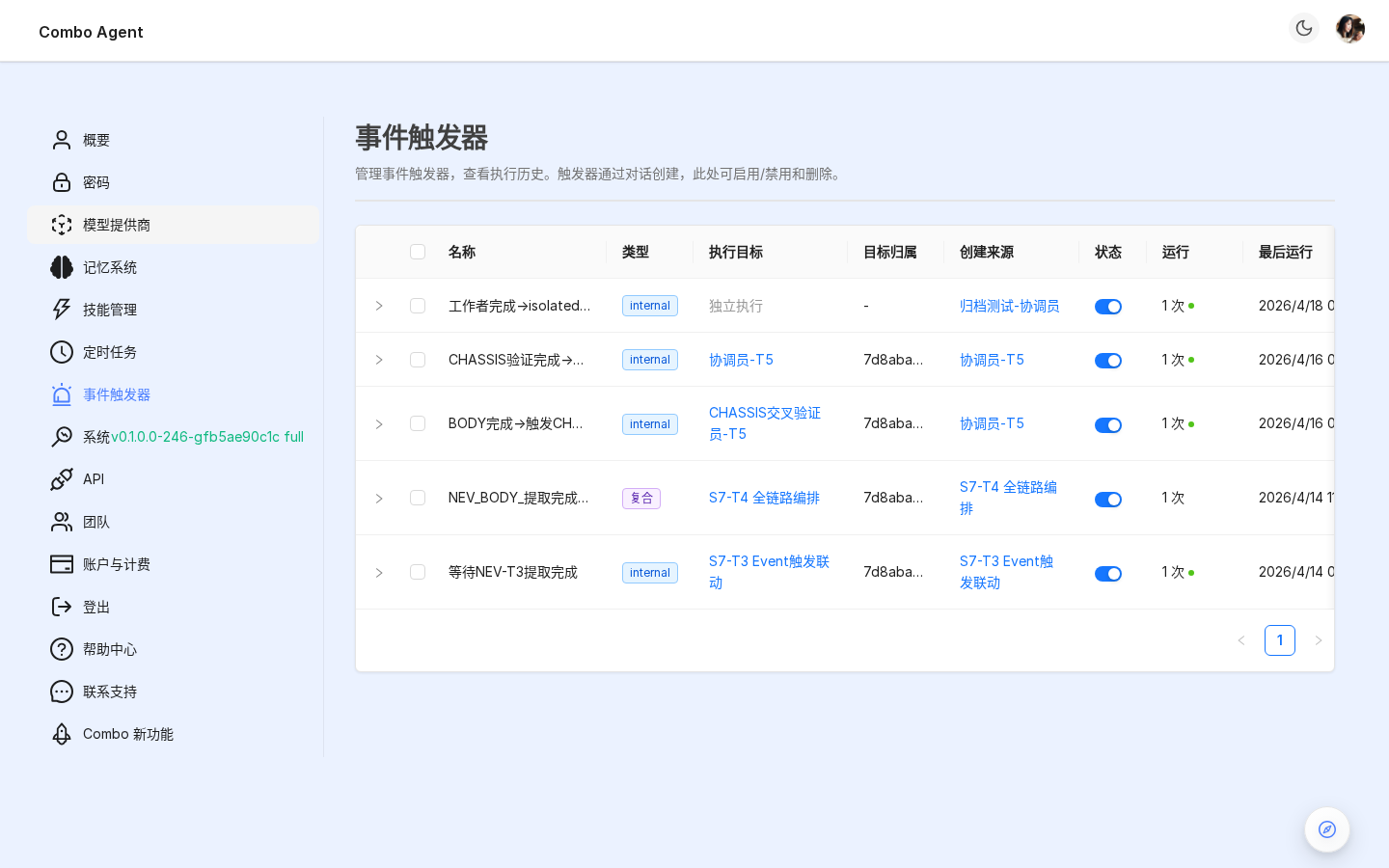
External event-driven runs (Git PR, Feishu, mail, webhook).
7.1 Sources
| Type | Typical | Doc |
|---|---|---|
| Webhook | Arbitrary POST | Agent config |
| IMAP | ||
| Feishu | Cards / subscriptions | Lark |
| WeCom | Callbacks | WeCom |
| Git hosting | PR webhooks | Code hosting |
| DOORS | Requirement changes | DOORS |
7.2 Trigger list
Each row: name, type, enabled, last fire, counts. Expand for recent executions + session links (/combospace/content/editor?sessionId=…).
7.3 Actions
Enable/disable; delete with confirm (history retained).
8. System
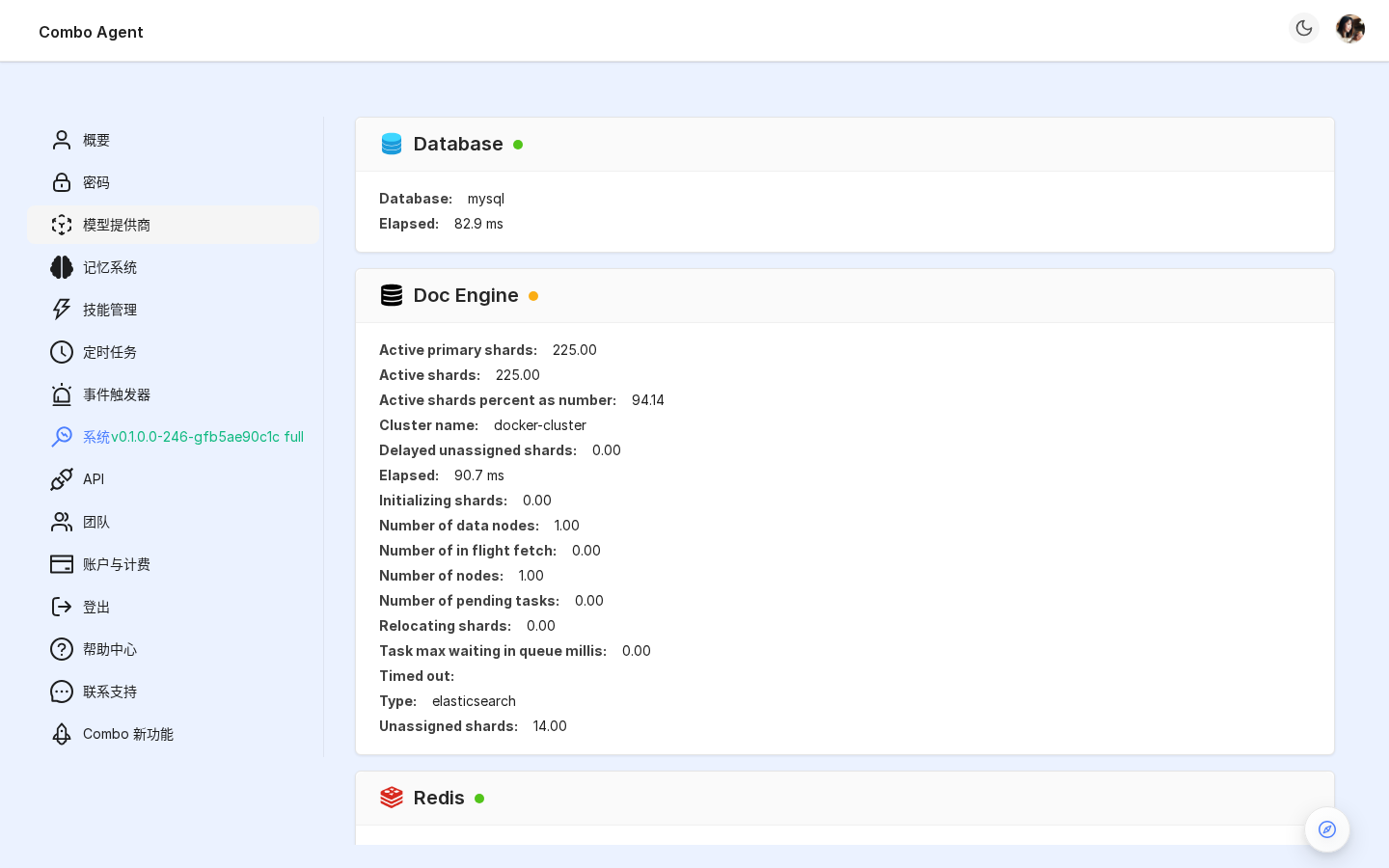
- Version: e.g.
v0.1.0.0-246-gfb5ae90c1c full - Health cards: Database / Doc engine (ES) / Redis / MinIO / Task executor — latency + stats
9. API keys
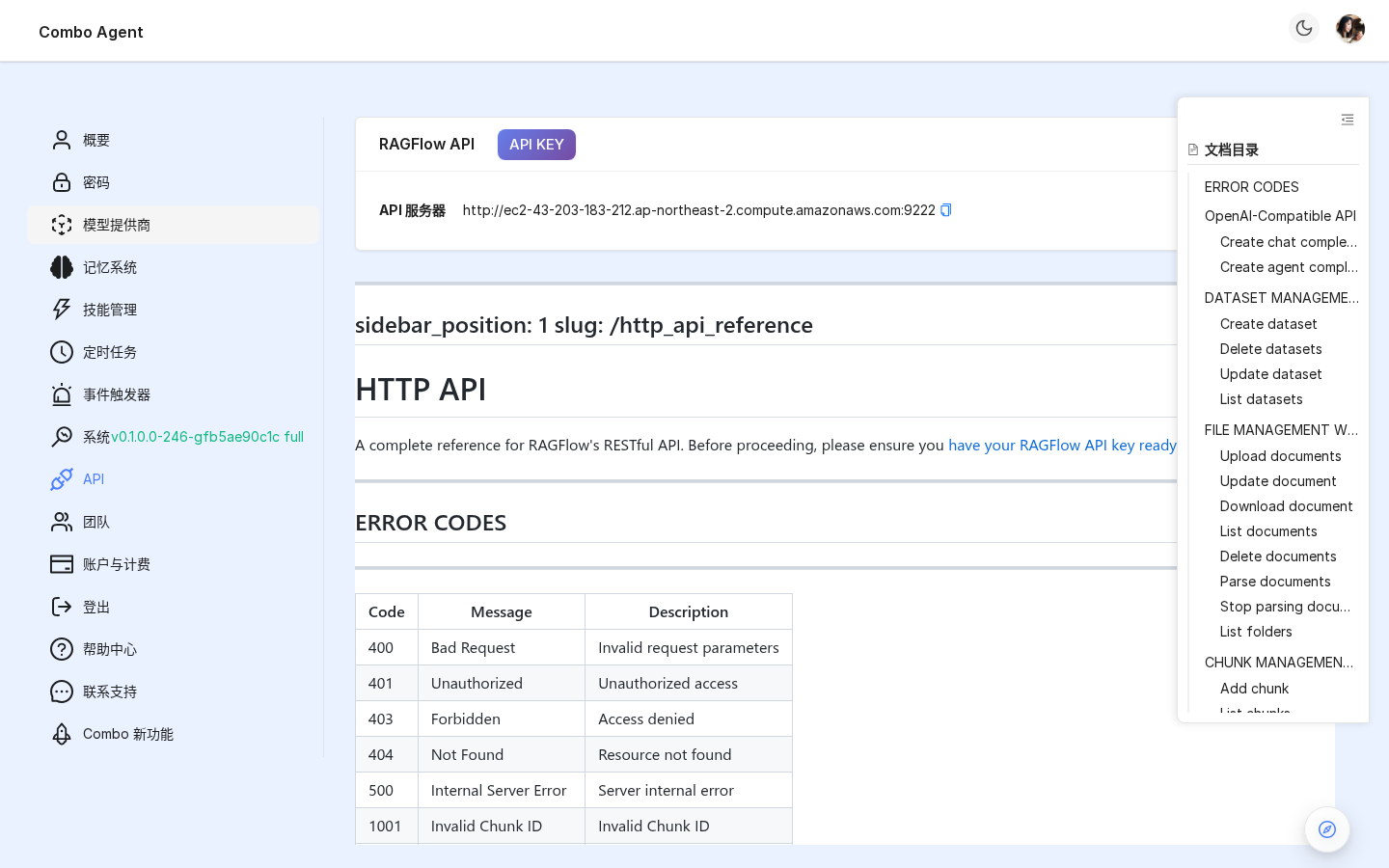
Bearer tokens for HTTP API / SDK — shown once at creation.
- Max 10 active keys / user
- Expiry presets
- Optional Agent / dialog scoping
- Revocable anytime
Examples: HTTP API.
10. Team
Manage current tenant members.
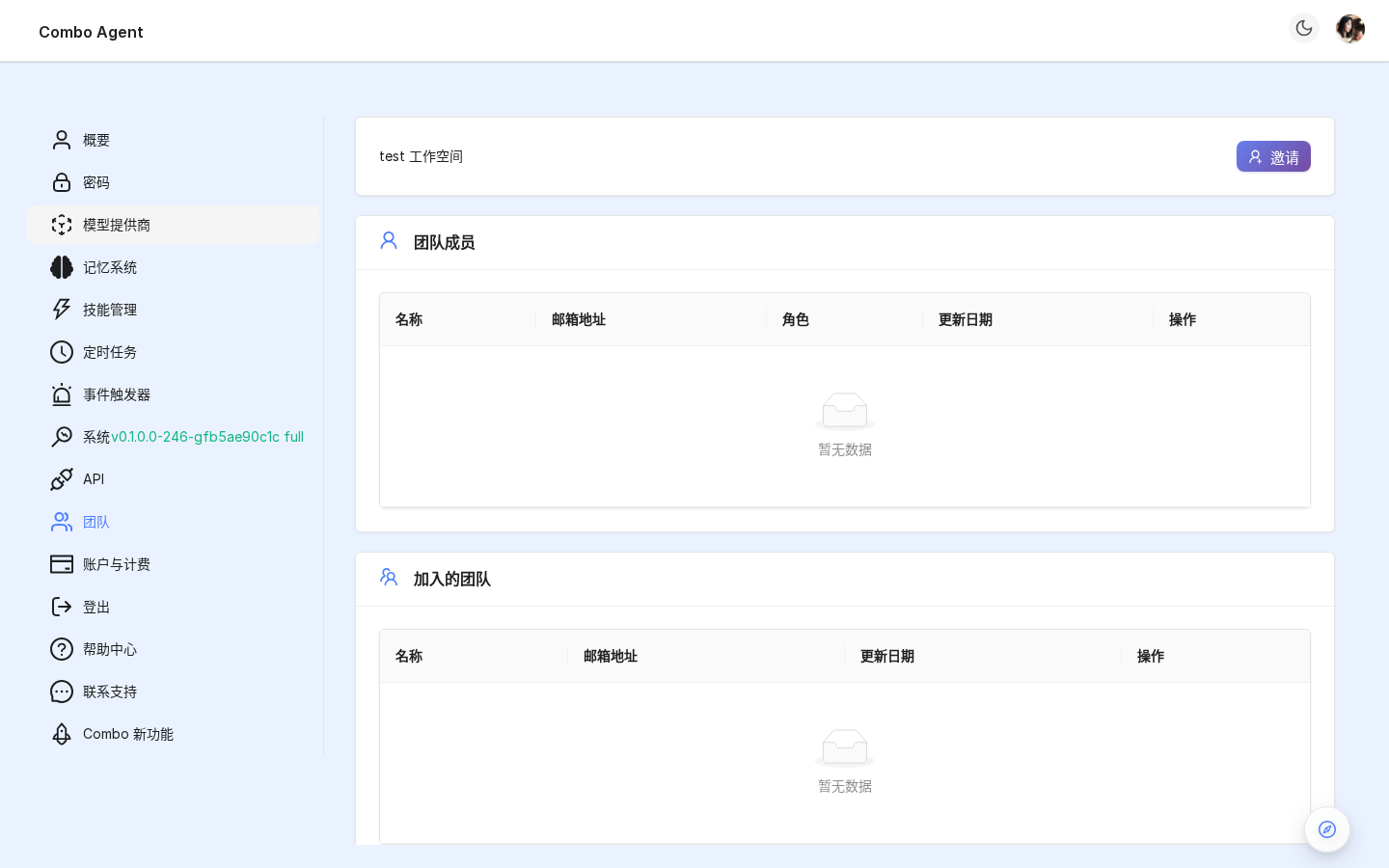
10.1 Roles
| Role | Scope |
|---|---|
| Owner | Full admin + billing |
| Normal | Use KBs, Agents, skills |
| Invite | Pending acceptance |
10.2 Invites
Email → role → send. Accept link joins tenant.
10.3 Multi-tenant
Switch tenants via Avatar → switch tenant — isolated Agents/KBs/skills.
See Collaboration.
11. Account
Opens Hikari Dashboard (/dashboard/account) for plans, invoices, quotas, usage history.
12. Help & support
| Entry | Target |
|---|---|
| What's New | /docs changelog |
| Help center | /docs/user-manual |
| Contact | info@nox-lumen.com, (+86) 17701151181, sales QR |
13. Next steps
- Teams → Collaboration
- Agent tuning → Agent settings
- Capability catalog → Skills