 Nox-Lumen Mfg
Collaboration and teams
Solo use is simple — teams need clarity on visibility and handoff.
1. Three-level identity
| Layer | Meaning | Isolation |
|---|---|---|
| Organization | Usually the company | Top boundary |
| Tenant | Business unit | Agents / KBs / skills isolated |
| User | Can join many tenants | Switch via top avatar |
Model detail: Multi-tenancy.
2. Switching tenants
Avatar → Switch tenant.
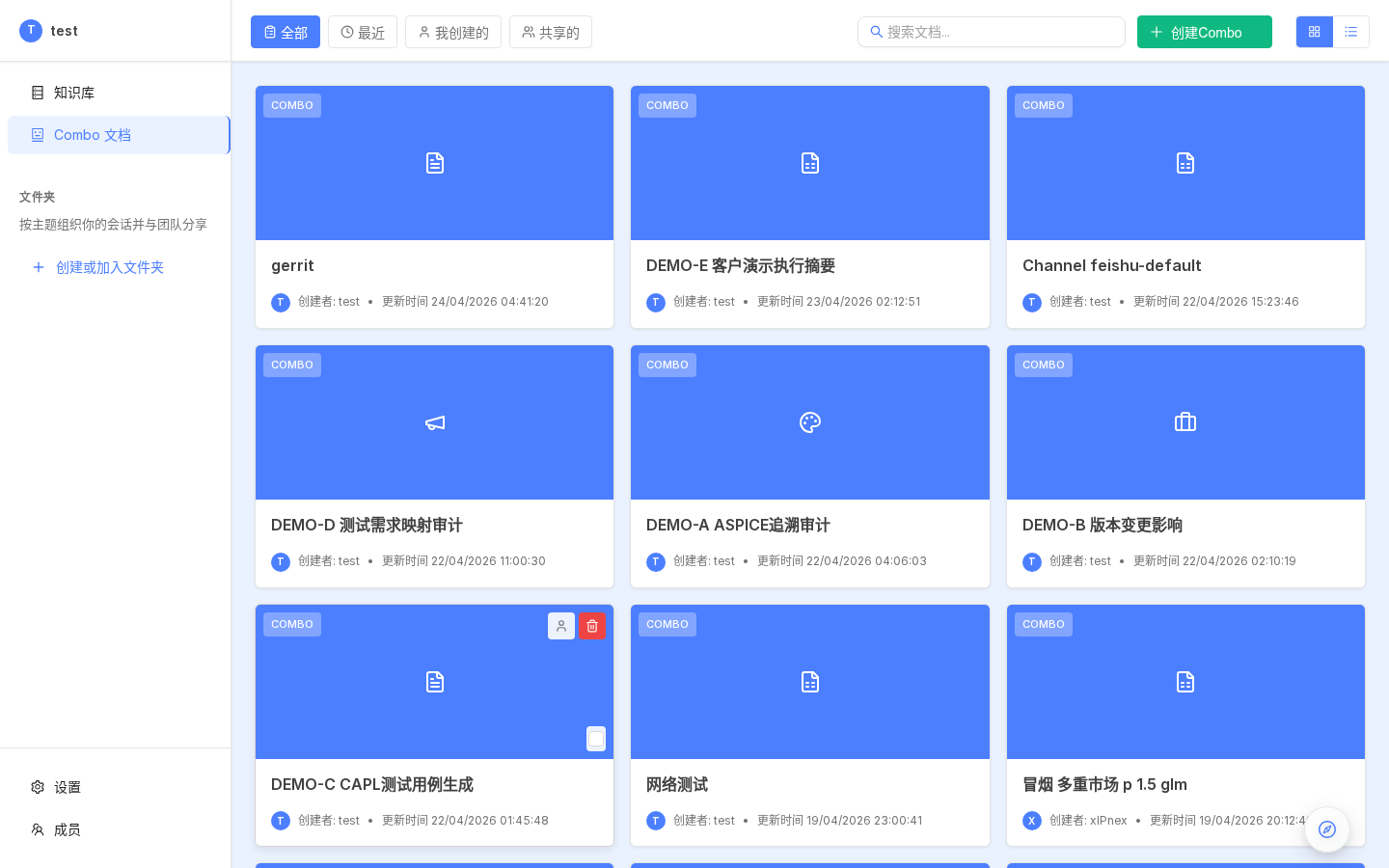
The left rail (sessions, KBs, skills, Agents) reloads under the active tenant banner.
Sessions in tenant A never appear in B. Tenant-wide KB sharing stays within the tenant — no automatic cross-tenant share; Owners migrate/copy manually when needed.
3. Roles and invites
Via Profile → Team.
3.1 Roles
| Role | Create tenant | Invite/kick | Billing | Agents/KBs | Skills |
|---|---|---|---|---|---|
| Owner | ✓ | ✓ | ✓ | ✓ | ✓ |
| Normal | — | — | — | ✓ | ✓ |
| Invite | — | — | — | — | — |
3.2 Invite flow
4. Session collaboration
4.1 Parallel sessions
Each session owns:
- Plan Mode state
- Message history
- Ephemeral uploads
- Editor state
Left list swaps instantly; concurrent runs don’t block.
Plan Mode persists per session.
4.2 Rename / archive / delete
| Action | Effect |
|---|---|
| Rename | Display name |
| Archive | Moved to archive bucket |
| Unarchive | Back to main list |
| Delete | Hard delete messages + ephemeral files |
| Clear all sessions | Danger — double confirm |
4.3 Share links
Session title → Share:
| Permission | Meaning |
|---|---|
| Read-only | Tenant peers view only |
| Collaborative | Same thread continues |
| Public (Owner-gated) | Anonymous view demo |
4.4 Session scope
From Agent settings / Session panel:
| Mode | Team hint |
|---|---|
| per-sender | One Agent per user |
| per-agent | Dedicated thread per Agent |
| shared | Handoff inside one conversation |
5. Graft — cross-session handoff
combo agent lets you compose outputs across sessions via graft.
5.1 Why
Single sessions grow long → compression loses detail; parallelism and reusable artifacts suffer.
5.2 Pattern
5.3 Usage
Or /graft picker fills references. Runtime loads grafted contexts on demand.
5.4 Permissions
- Default: graft your sessions plus tenant-shared ones
- Cross-tenant blocked
5.5 Scenarios
| Scenario | Split |
|---|---|
| Dual baseline ASPICE | A + B traces → C diff |
| Code review splits | Per-module reviewers → merge report |
| Patent drafting | Research session → drafting session grafts conclusions |
6. Knowledge base collaboration
| Permission | Visible | Editable |
|---|---|---|
| Private | Creator | Creator |
| Tenant shared | Everyone | Creator + Owners |
Toggle under KB settings → Knowledge base.
7. Agent collaboration
| Visibility | Meaning |
|---|---|
| Private | Creator |
| Team | Tenant members |
| Public (Owner) | Rare cross-tenant API cases |
Owners can publish templates cloned by members.
8. Skill collaboration
Personal skills → Share to tenant: Skills. Revoke via delete/reinstall.
9. Audit
Owners monitor:
- Who invoked which Agent
- Token spend
- KBs/skills used
- Artifacts emitted
Entry points:
- Models → Langfuse
- Events history
- Cron history
- HTTP API audits
Ops depth: Deploy / Security.
10. Practices
10.1 Small teams (~5–20)
- Single tenant + domain KBs
- Templates published internally
per-senderdefaults- Graft for handoffs
10.2 Large orgs (50+)
- Multiple tenants per product line
- Platform Owner templates + weekly observability reviews
- Quotas via Hikari Dashboard
10.3 External partners
- Dedicated tenants
- Scoped API keys
- Outputs via public share links vs broad accounts
11. Next steps
- Chat UI details → Session UI
- Langfuse → Other settings
- Private deploy → Install