 Nox-Lumen Mfg
Quick start
Before you begin
- A combo agent account (enterprise SSO or email signup)
- A modern browser (Chrome, Edge, or Safari recommended)
- If you’ll work domain documents, gather inputs (DOCX / PDF / PNG / XLSX, …)
Step 1 — Sign in
Open the product site; sign in with password or SSO.
You land on the Dashboard: sessions list, skills entry, collaboration.
Step 2 — Start your first session
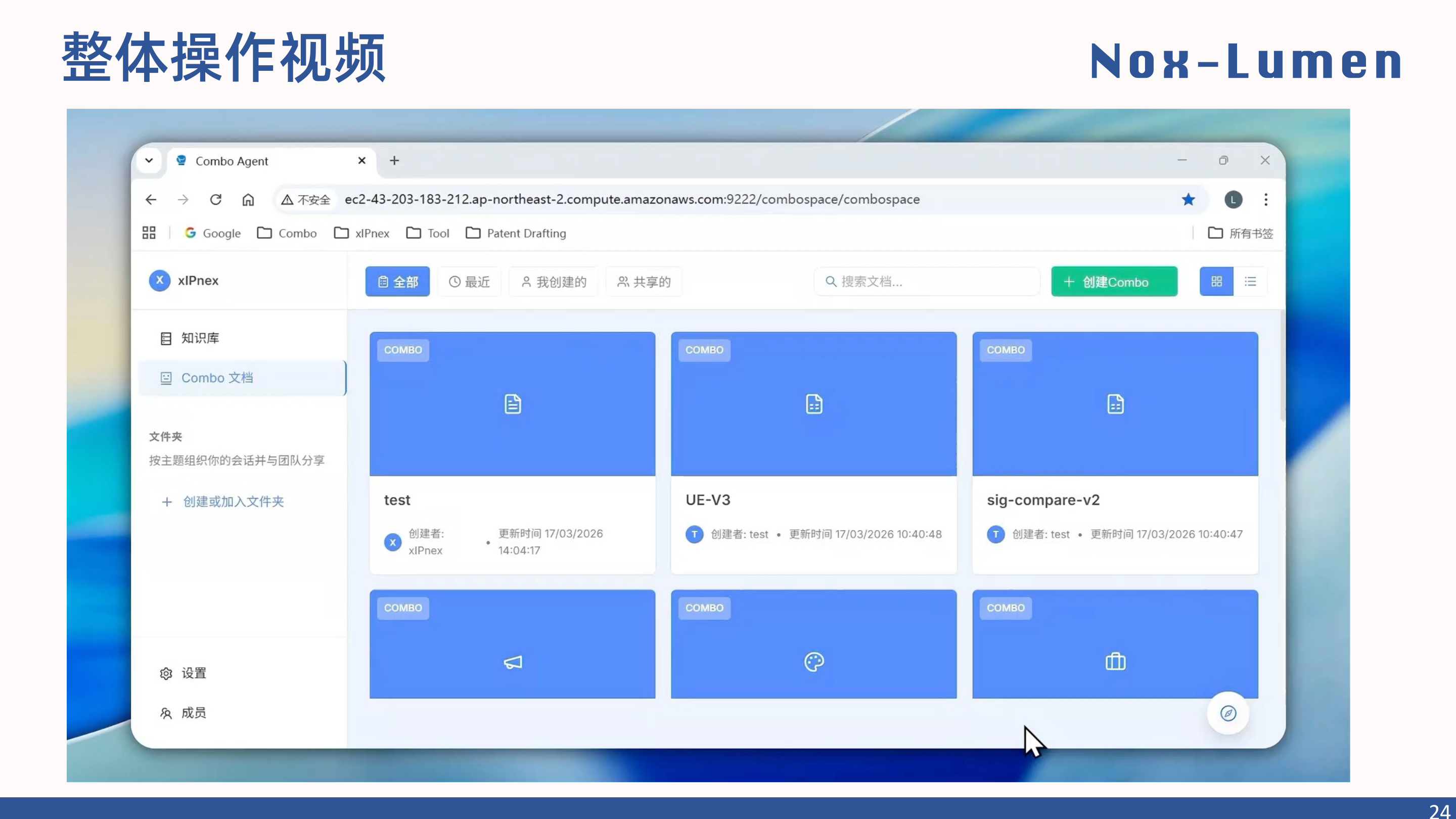
Click Create Combo to spin up a workspace.
Each session is isolated and holds:
- Uploaded inputs
- Skill invocation history
- Generated documents and edits
- Collaborators
Step 3 — Upload inputs (optional)
Drag files into the session. Supported formats:
- Text: DOCX, PDF, Markdown, TXT
- Tables: XLSX, CSV
- Images: PNG, JPG
- Requirements interchange: ReqIF
Step 4 — Invoke a skill
Skills package repeatable capabilities. Type / in the composer for the catalog, or describe the task naturally.
Example 1 — summarize a spec
Example 2 — patent drafting
Example 3 — code review
Step 5 — Edit and export
Rendered documents appear in-session. You can:
- Selection edit — highlight text → ask the agent to revise
- Image edit — annotate or normalize drawings
- Export — DOCX / PDF / Markdown when satisfied
Step 6 — Collaborate (optional)
Use Share in the session header to invite teammates:
- Joint review
- Split editing duties
- Threaded comments